Table of contents
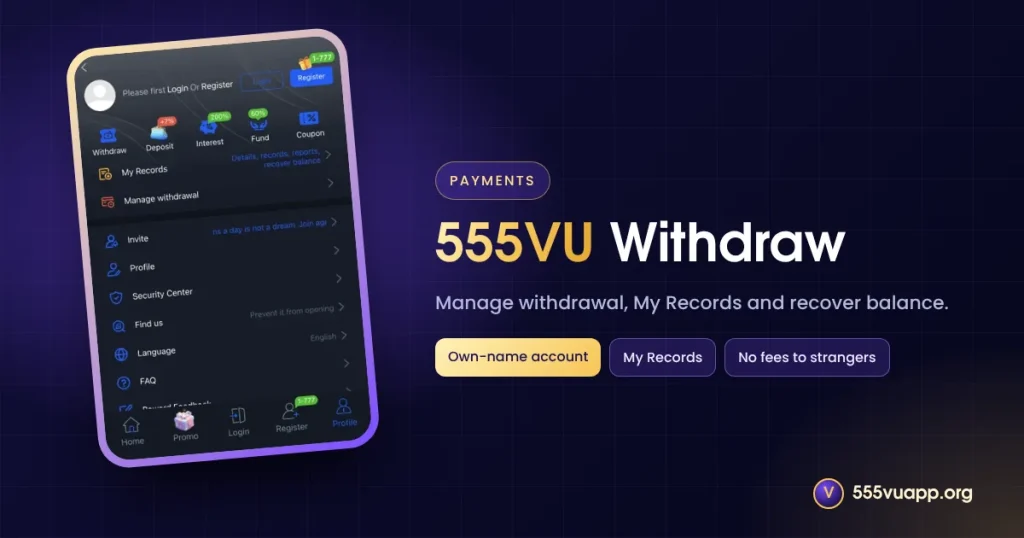
This 555VU withdraw guide explains how to add a receiving account, request a payout, track it and avoid the usual causes of delay.
Before You 555VU Withdraw
- Finish the betting rules of any active bonus.
- Add an account in your own name under Manage withdrawal.
- Complete the Security Center options.
555VU Withdraw Step by Step
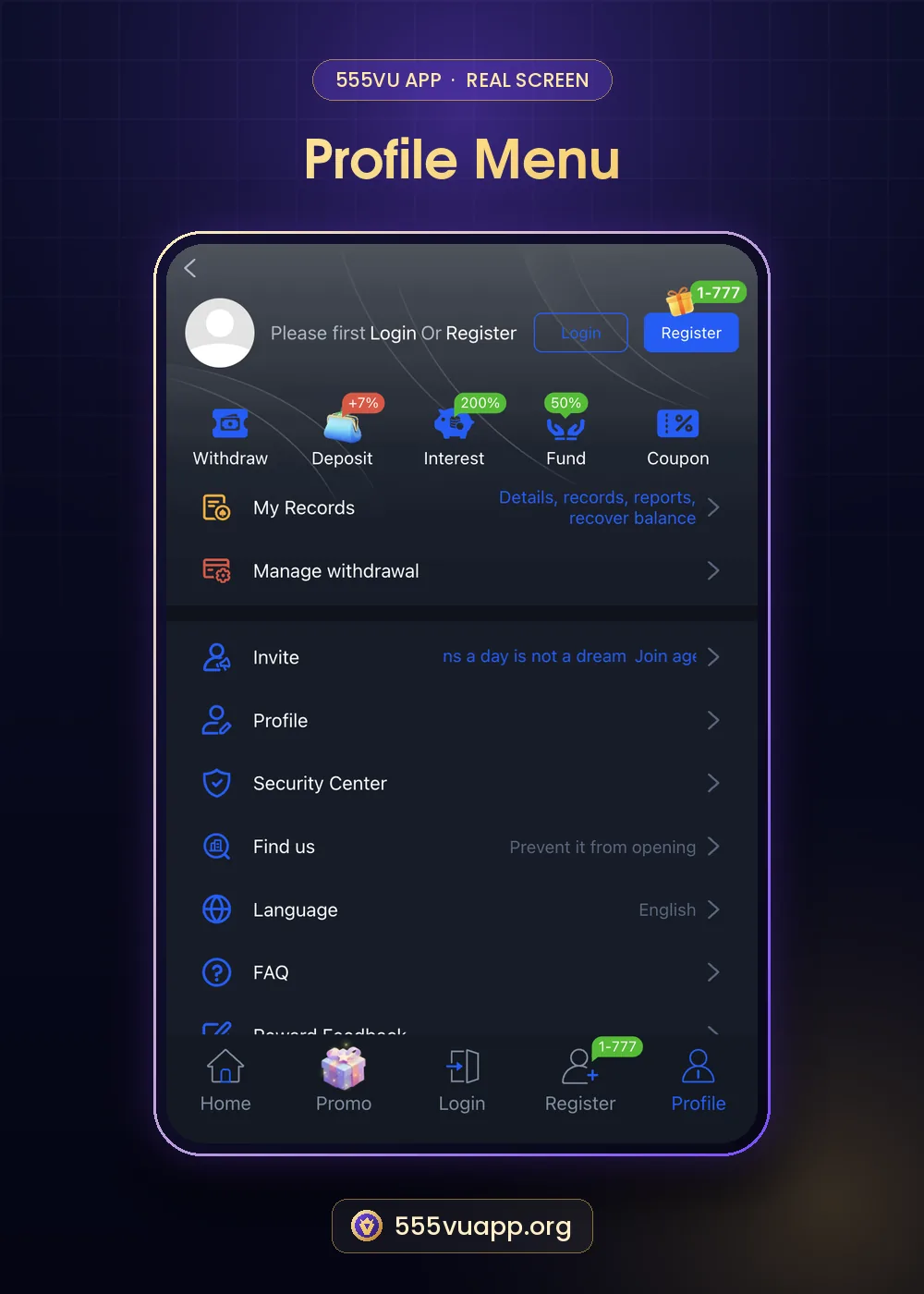
- Open Profile → Withdraw.
- Choose the account from Manage withdrawal.
- Enter the amount and confirm.
- Track it in My Records and keep a screenshot.
Why a 555VU Withdraw Can Be Delayed
| Reason | What to do |
|---|---|
| Bonus betting not finished | Check the event rules |
| Name mismatch | Use an account in your own name |
| Wrong details | Fix them in Manage withdrawal |
| Busy time | Wait, then message support with the request time |
My Records also offers “recover balance”, useful if a game closed mid-round. For help, use 555VU live support.
Make the First Withdrawal Small
A small test withdrawal confirms your account details and shows real processing times. Our safe play plan suggests withdrawing part of every win.
Records to Keep for Every Withdrawal
- A screenshot of the request with amount and time.
- The receiving account used.
- Any support reply.
- The date the money arrived.
Withdraw Part of Every Win
Balances left in an app tend to be played back. Decide before a session how much of any win you will cash out. Licensed wallets and banks are listed by the State Bank of Pakistan.
Using Recover Balance
If a game closes before returning your balance, open My Records and use recover balance before contacting support. It often fixes “missing” money in seconds.
555VU Withdraw FAQ
Is there a withdrawal fee?
Any official fee shows on the withdraw page. Someone asking for a “release fee” is a scammer.
Where do I see status?
Profile → My Records.