Table of contents
555VU Not Only Wallet appears as a login, binding and quick-login option. This guide explains the QR login screen, binding, and the safety questions to ask before linking any wallet.
Where Not Only Wallet Appears
| Place | How it shows |
|---|---|
| Register form | Binding registration icon |
| Login form | Quick login icon |
| Login guide | Quick login via Not Only Wallet |
The 555VU Not Only Wallet QR Login
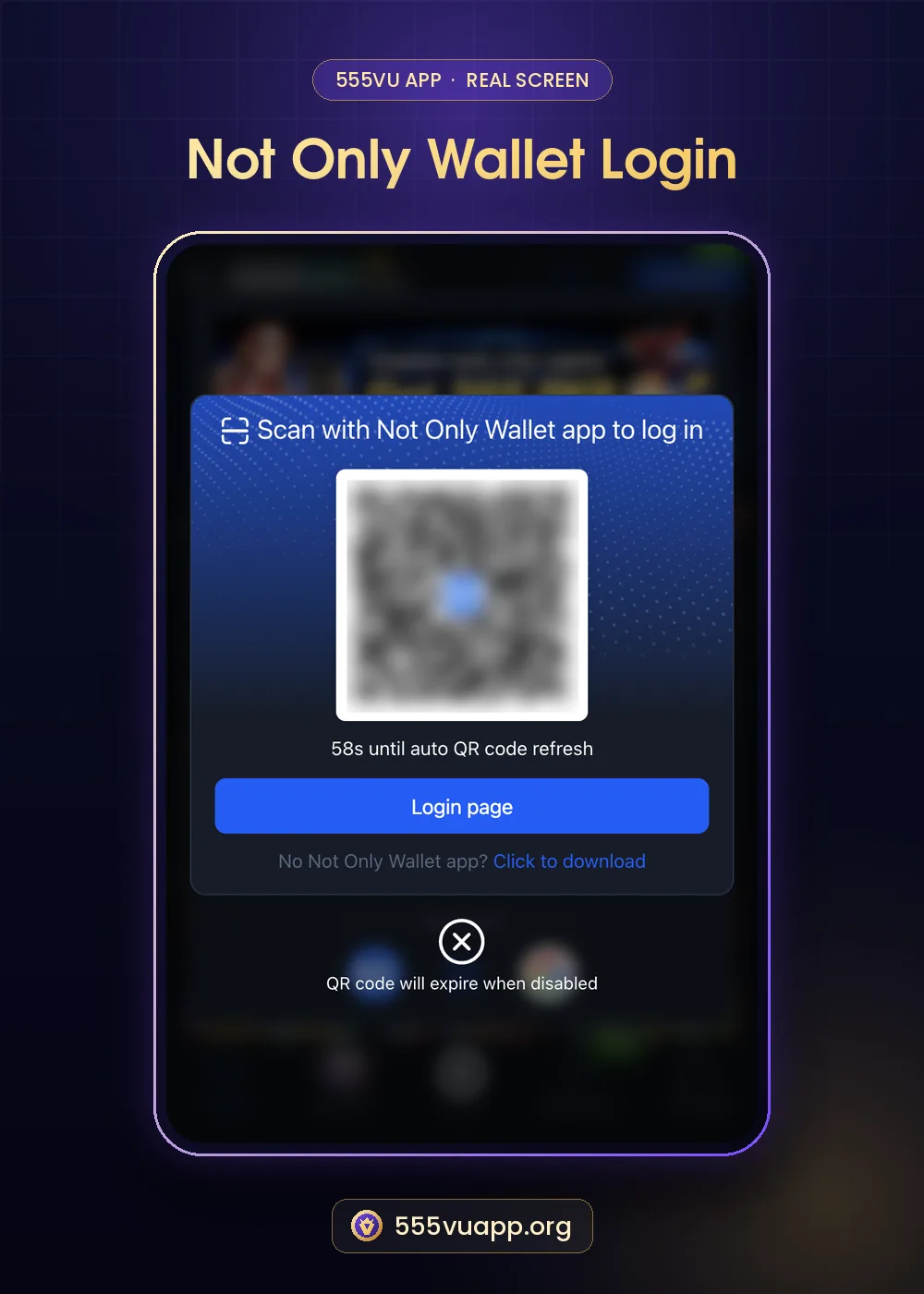
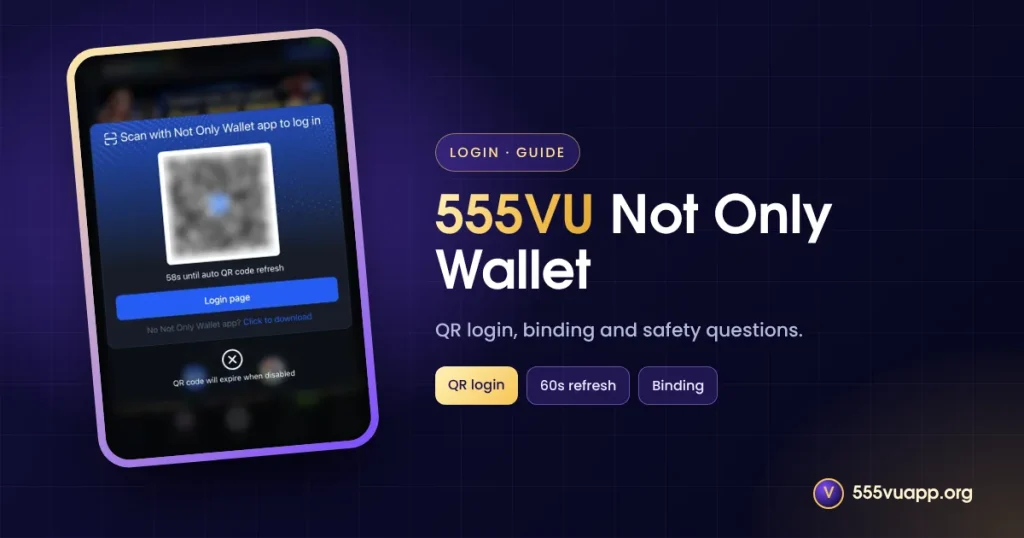
The screen reads “Scan with Not Only Wallet app to log in”, shows a QR code with a countdown (“58s until auto QR code refresh”), a Login page button and a link to download the wallet app. A note says the QR code expires when disabled. We blurred the code in our screenshot.
- Open the Not Only Wallet app on your phone.
- Use its scanner on the QR code.
- Confirm the login in the wallet app.
- The 555VU page signs you in.
Safety Questions Before Linking
- Who runs the wallet, and is it licensed?
- What fees apply?
- How do you get help if a payment fails?
- Never scan a QR someone sends you in chat.
Licensed payment providers in Pakistan are listed by the State Bank of Pakistan.
A QR code shown to you by a stranger can log them into your account or approve a payment. Scan only codes on the official 555VU page.
Do You Need Not Only Wallet?
No. Phone, email and account logins work fine. Use the wallet only if you already trust it. Other options are in our quick login guide.
Glossary
| Term | Plain meaning |
|---|---|
| Binding | Linking an external account |
| QR login | Signing in by scanning a code |
| Auto refresh | The code changes every minute for safety |
Step by Step: Deciding Whether to Bind a Wallet
- Write down who runs the wallet.
- Find its fees and limits.
- Check how support works if a payment fails.
- Only then bind it, starting with a tiny test.
QR Login Scams to Know
A common trick is to send someone a QR code and ask them to “scan to receive a reward”. Scanning a login or payment QR approves the scammer’s session. Only scan codes that appear on the official 555VU page you opened yourself.
555VU Not Only Wallet vs Other Logins
| Method | Needs extra app? | Best for |
|---|---|---|
| Password | No | Anyone |
| Not Only Wallet | Yes | Existing wallet users |
| Webauthn | No | Own phone |
| No | Quick sign-in |
What the Countdown Protects
The 58-second countdown under the QR code limits how long a captured code works. A code that refreshes every minute is much harder to misuse than a static one. It is a good sign, but it does not replace the basic rule of only scanning codes you opened yourself.
Quick Checklist
- I know who runs the wallet.
- I opened the QR page myself.
- I never share wallet PINs or OTPs.
- I tested with a small amount first.
Prefer a familiar method? See quick login options.
555VU Not Only Wallet: The Short Version
555VU Not Only Wallet is optional. It can make login quick if you already use the wallet, and the refreshing QR code is a sensible safety design. If you do not know the wallet well, stay with your password, Webauthn or Google, and come back to it after you have checked who runs it and how support works.
Troubleshooting the QR Login
| Problem | Try |
|---|---|
| Code expired | Wait for the refresh and scan again |
| Scanner cannot read | Increase screen brightness |
| Nothing happens after scan | Confirm inside the wallet app |
| Still stuck | Tap Login page and use your password |
555VU Not Only Wallet FAQ
Is 555VU Not Only Wallet required?
No.
Why does the QR change?
It refreshes about every 60 seconds so old codes cannot be reused.
Can I unlink it?
Check Profile → Security Center or ask support.